01

Text to image
Turn a written idea into a visual direction with intentional framing and detail.
 Qirenn AI
Open studio
Qirenn AI / Picture Artisan
A focused AI creation studio for prompts, references, stills and motion. Bring an idea into view, then take it further.
A quieter way to create.
Creation surface
Choose the material you have, then shape what comes next.
Turn a written idea into a visual direction with intentional framing and detail.
Use an existing image as the starting point for a new composition or treatment.
Describe a moment, then develop it into a short moving scene.
Give a still image movement while staying close to its original atmosphere.
Inside the app
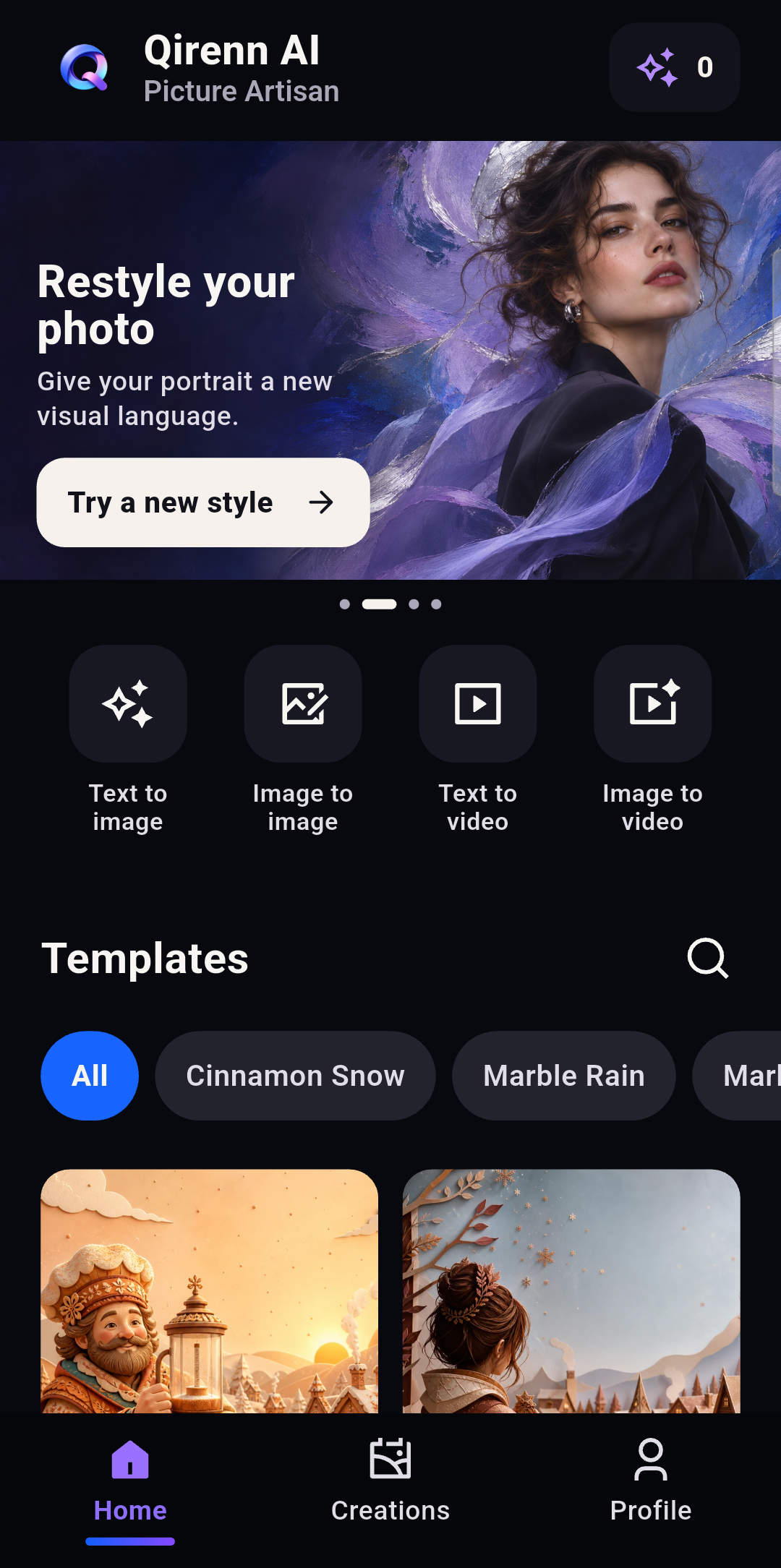
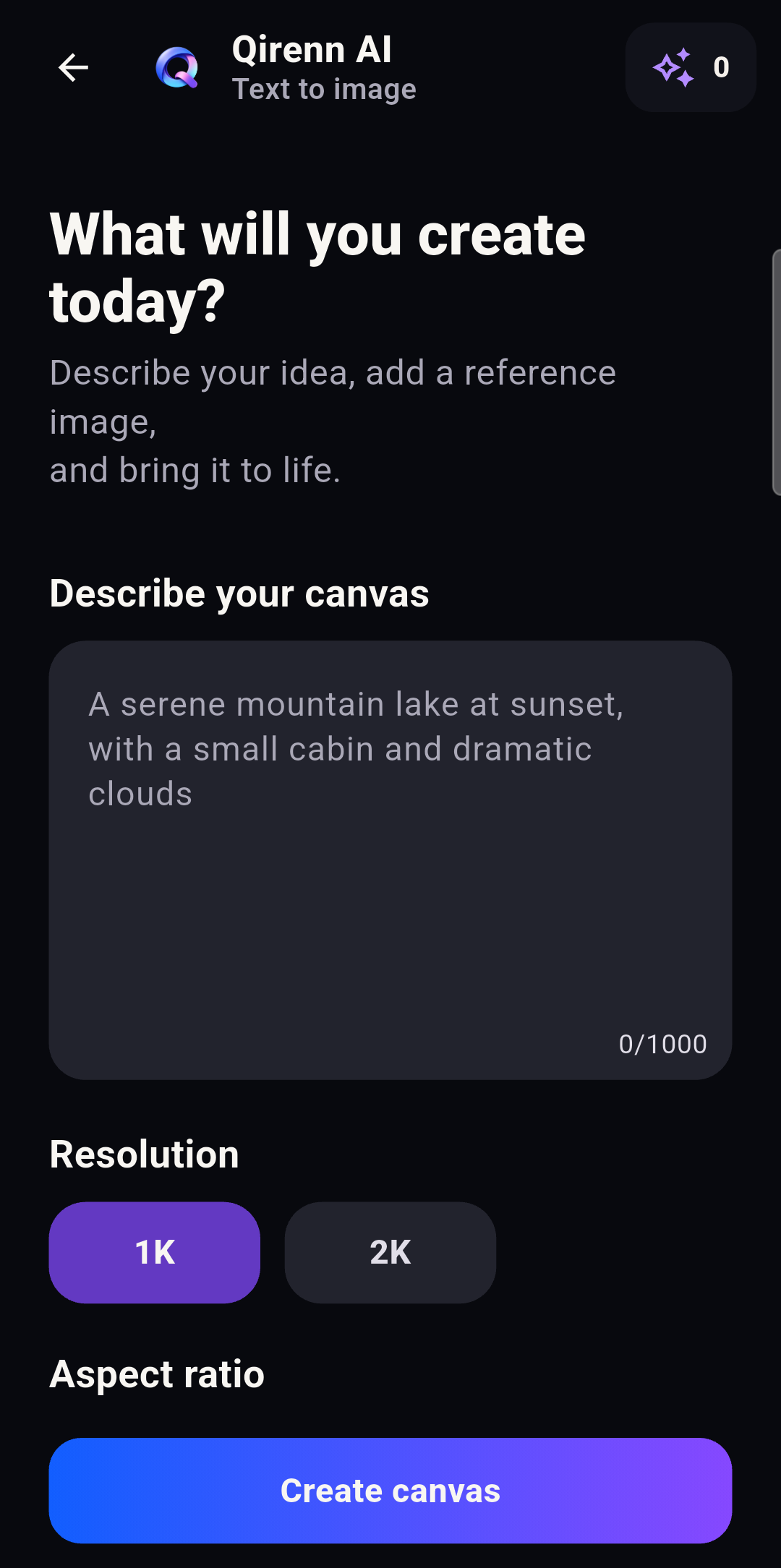
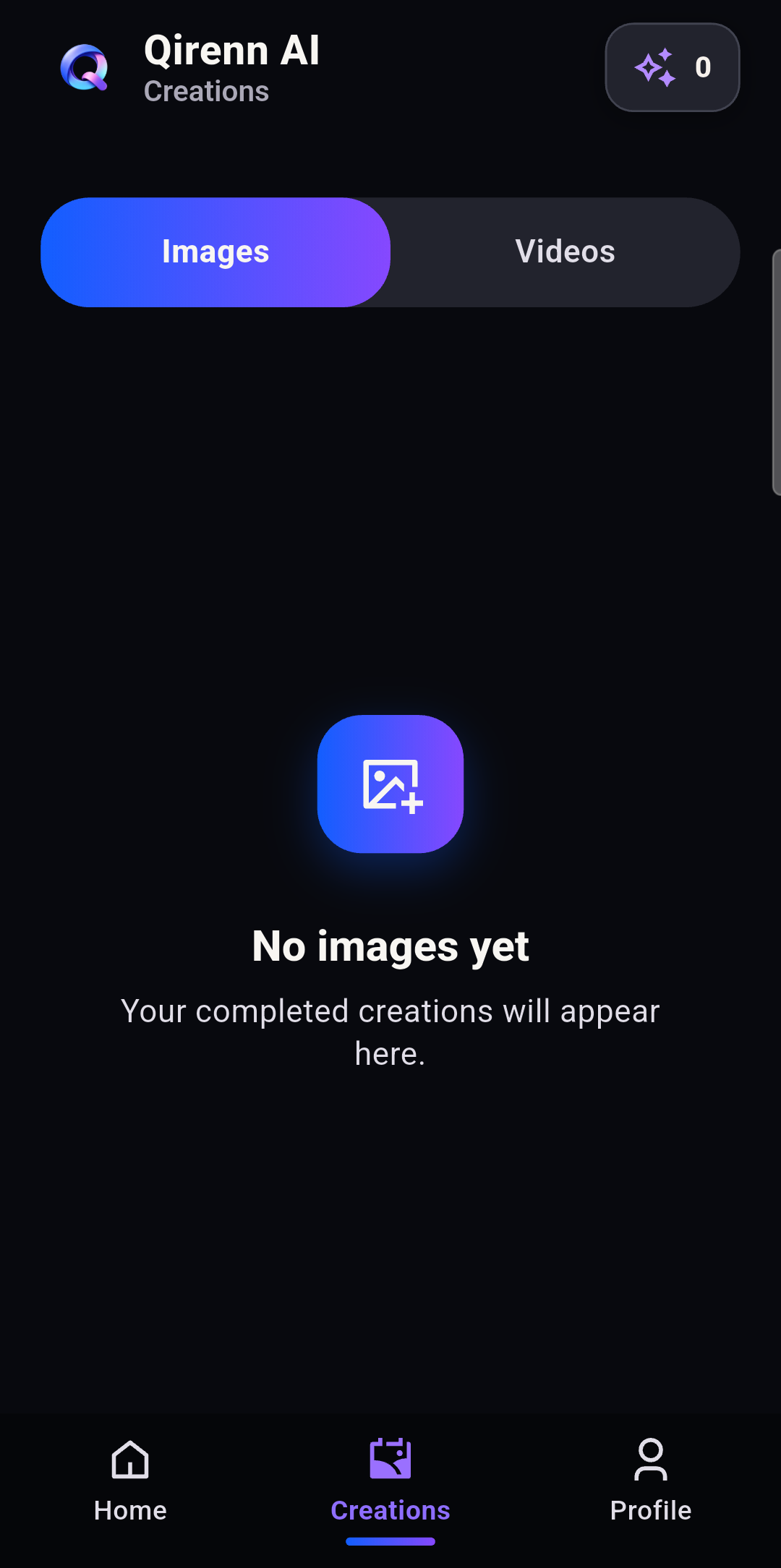
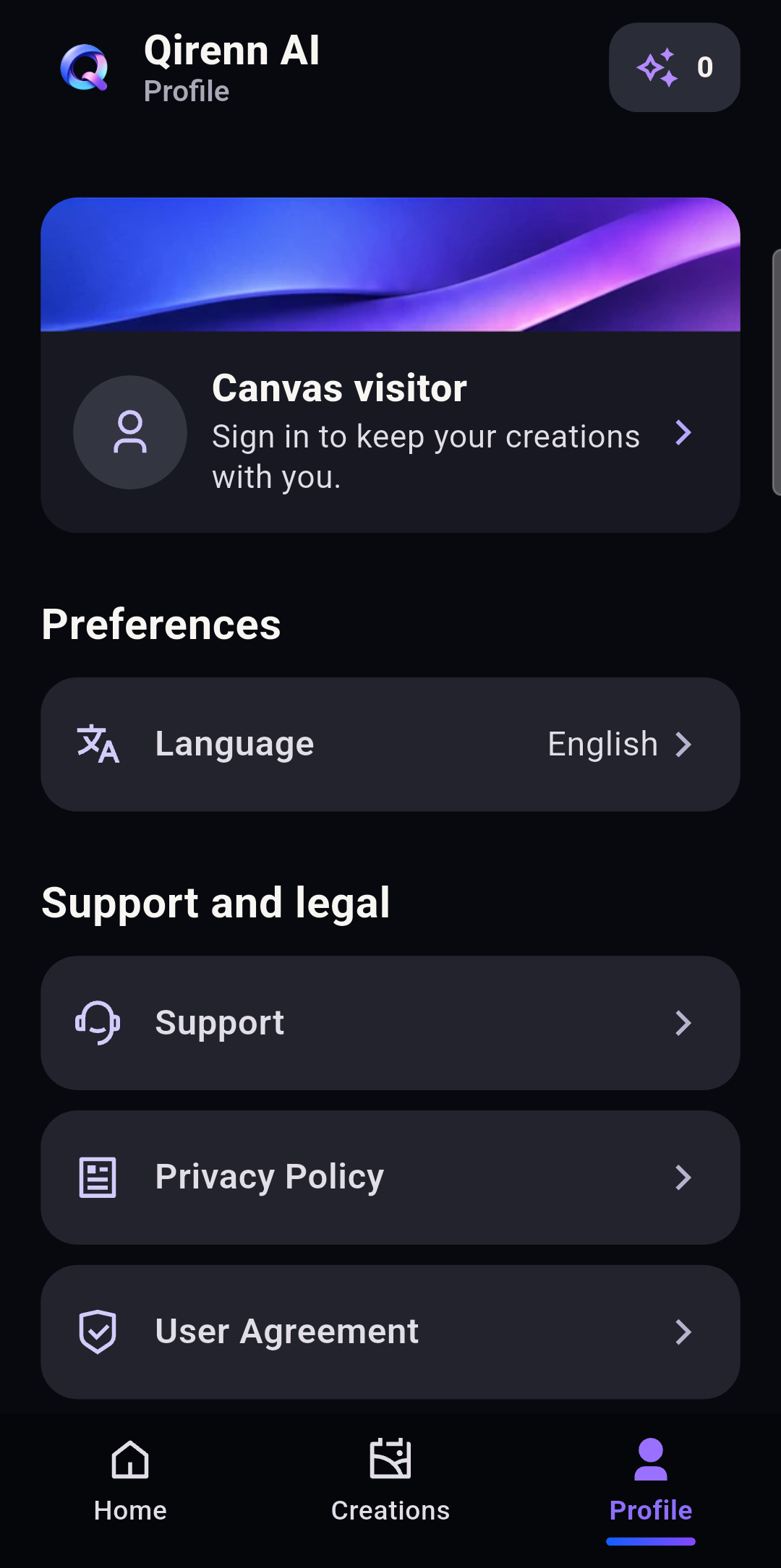
Every screen keeps the creation in focus: choose a mode, set the direction, review the result.
A single surface
Qirenn AI keeps prompt, source material, format, and output close enough to make iteration feel like part of the idea rather than a separate task.
Read how we handle your workThe small print, made clear
01 / Privacy
How Qirenn AI processes creative inputs, generated results, device information and your privacy choices.
Read Privacy Policy02 / Use
The terms for accounts, AI creation features, credits, rewards, content use and platform access.
Read User Agreement